
AI home design ideas, made personal

AI room design free.Find a look that feels like home.

Explore AI home design ideas before you renovate. Choose a living room, bedroom, bathroom or kitchen, upload a photo or describe your ideal space, and try a fresh look with 4 free signup credits.

  • 4 free signup credits
  • Photo or text input
  • No design experience needed
Bright contemporary living room with an ivory sofa, oak furniture and natural daylight
AI-generated room inspiration · explore the possibilities

Available now

Bring AI home design ideas into every room.

Our room design tool supports living rooms, bedrooms, bathrooms and kitchens. Upload a photo or describe an idea, explore 16 styles, and compare your new concept with the original.

AI room design studio
Available now

AI room design studio

Try furniture, wall colors, flooring and lighting before committing to a renovation. For kitchens, fine-tune cabinets, countertops and backsplash. Generate concepts, revisit your design history and download your favorite result.

From your photoOr from a description
Open room design tool

AI room design inspiration for your home.

Explore light, textures and color palettes for your next project. These images provide inspiration; use the room tool to create your own living room, bedroom, bathroom or kitchen concept.

Room Design
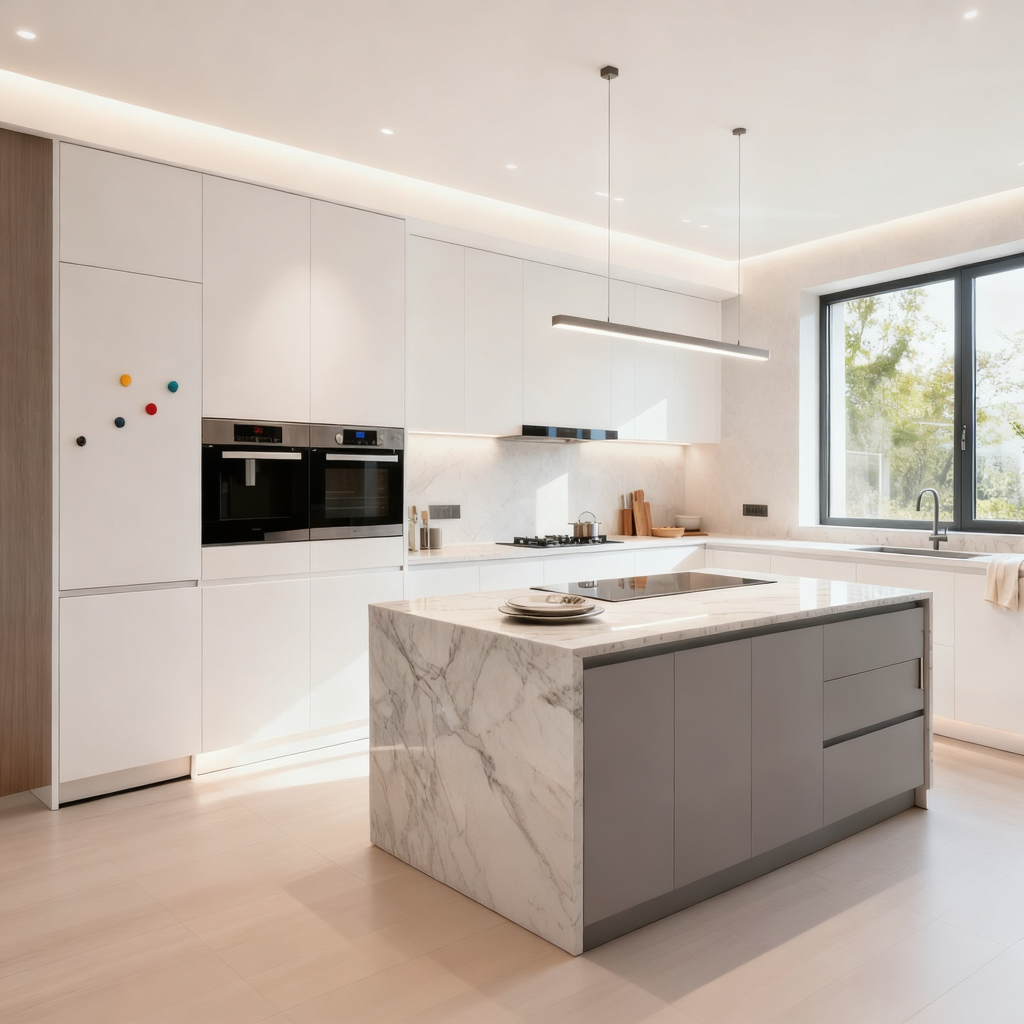
Bright minimalist kitchen

Kitchen · Minimalist

Bright minimalist kitchen

Illustrative design inspiration

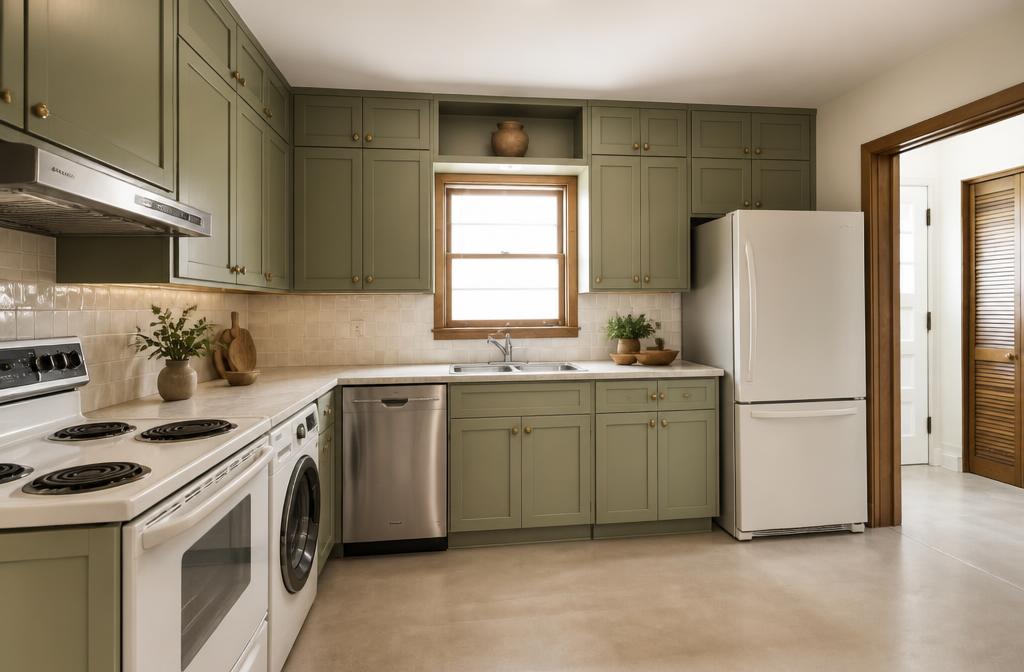
Sage green country kitchen

Kitchen · Country

Sage green country kitchen

Illustrative design inspiration

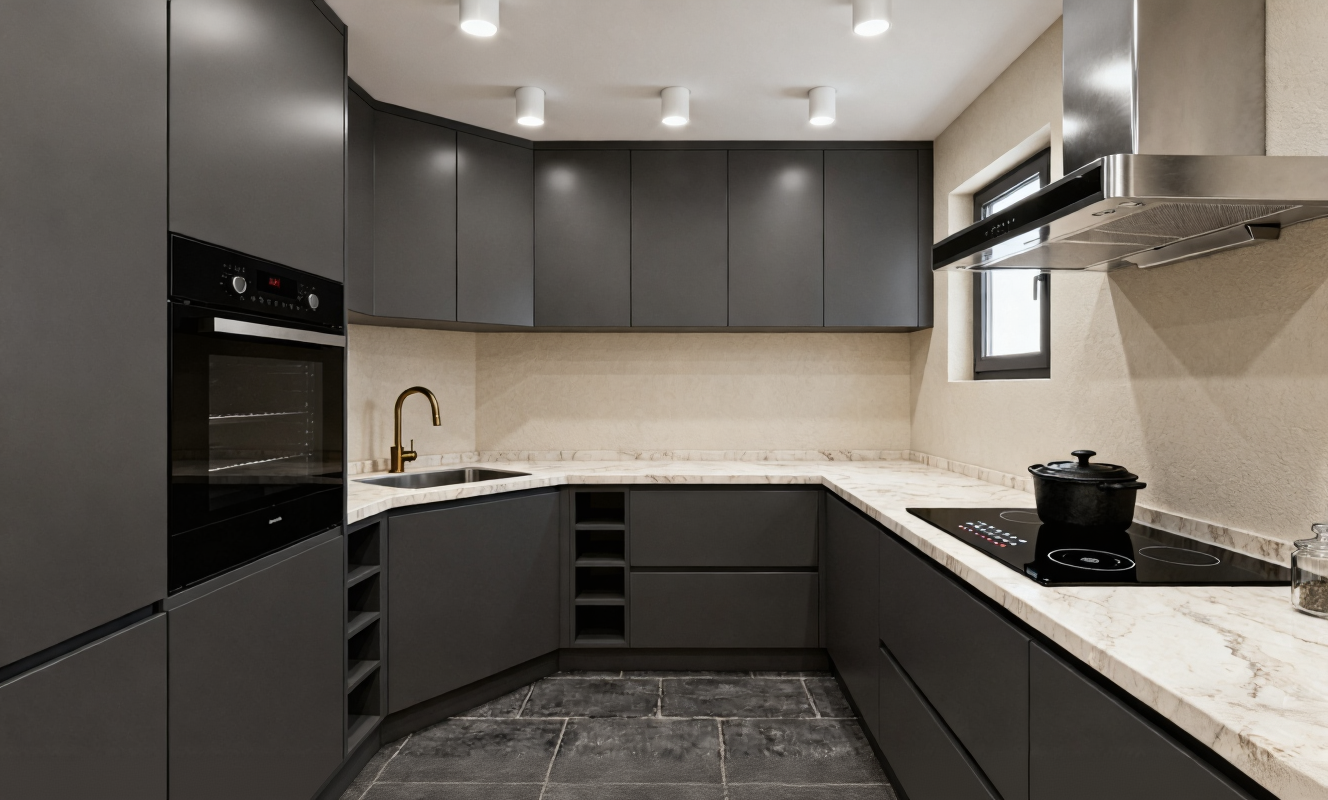
Bold charcoal kitchen

Kitchen · Contemporary

Bold charcoal kitchen

Illustrative design inspiration

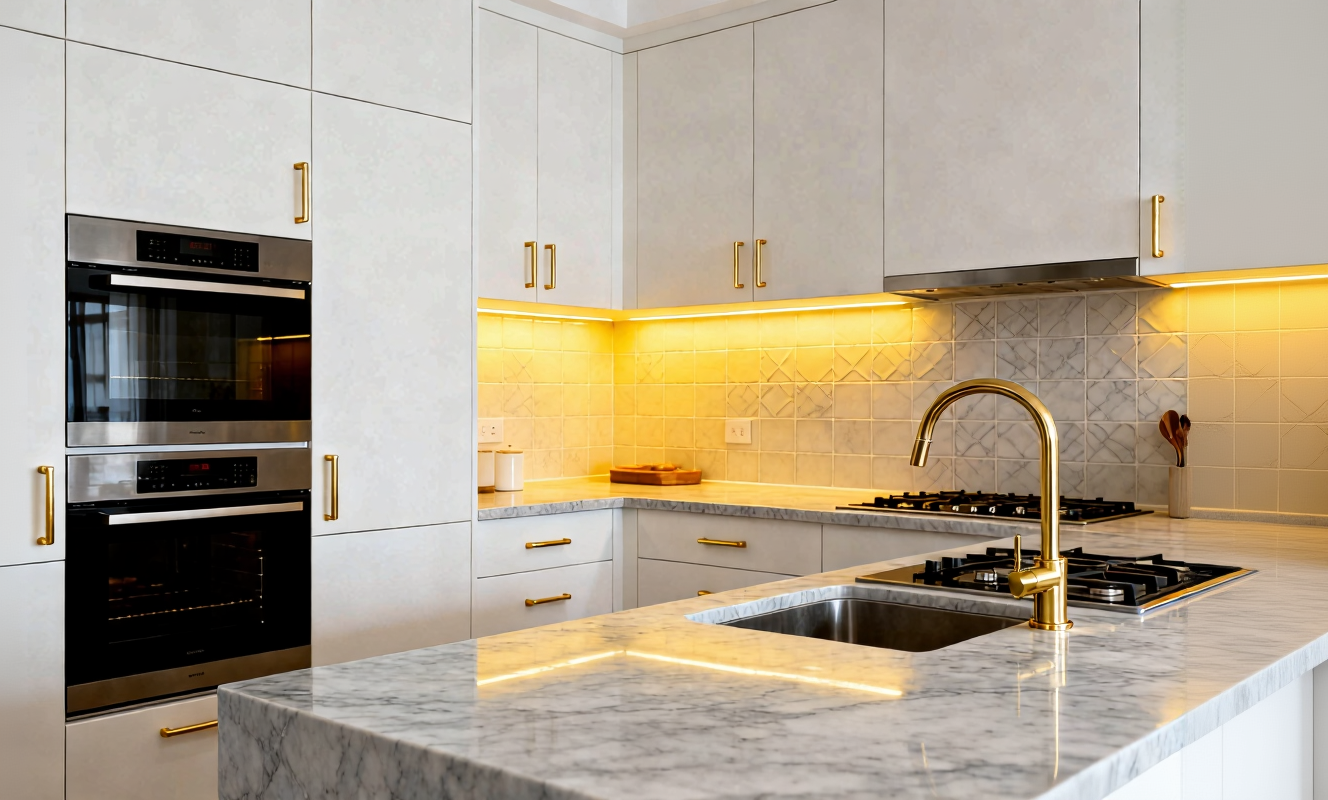
Marble & brass kitchen

Kitchen · Modern luxury

Marble & brass kitchen

Illustrative design inspiration

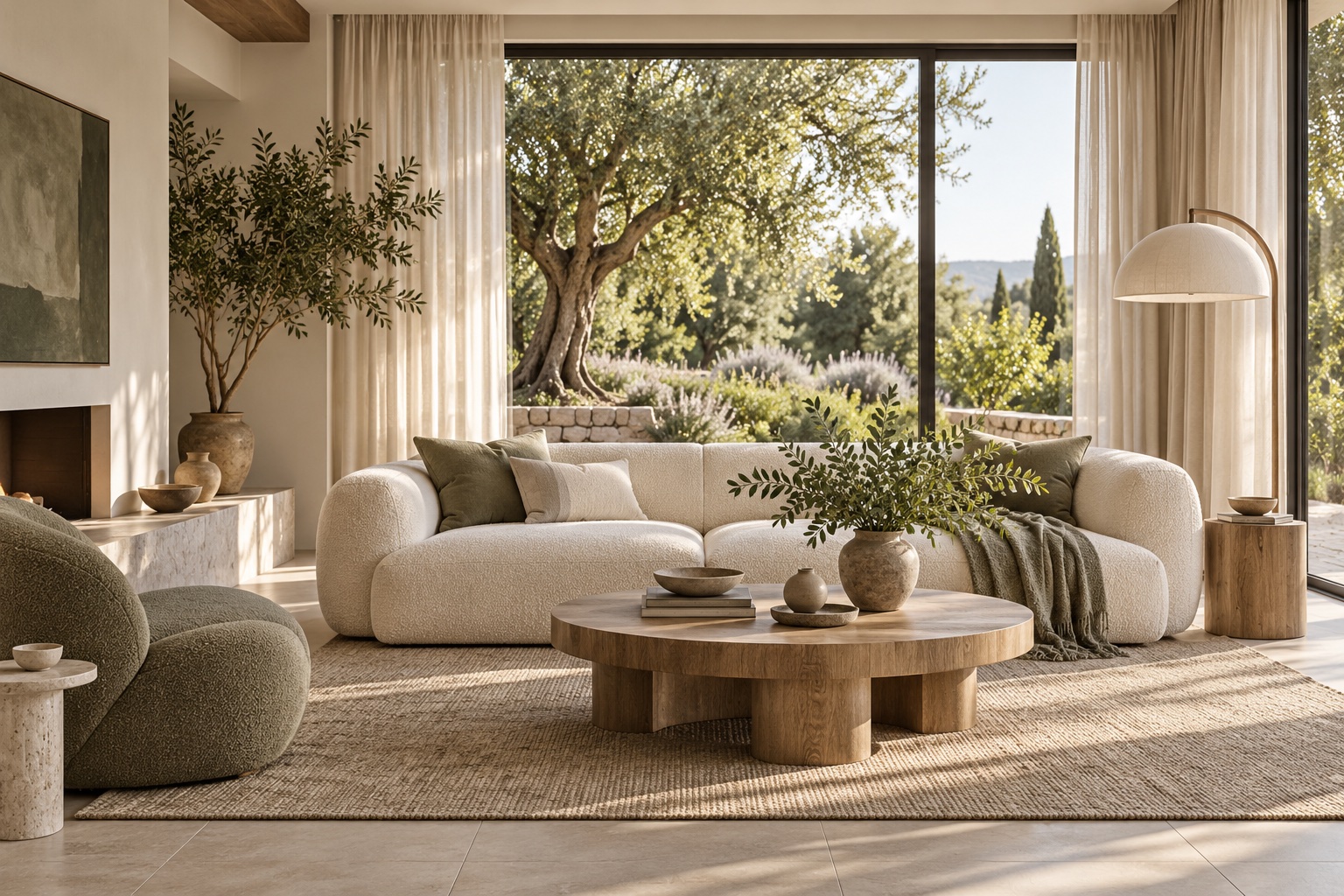
Warm, modern living

Living room · Organic modern

Warm, modern living

Illustrative design inspiration

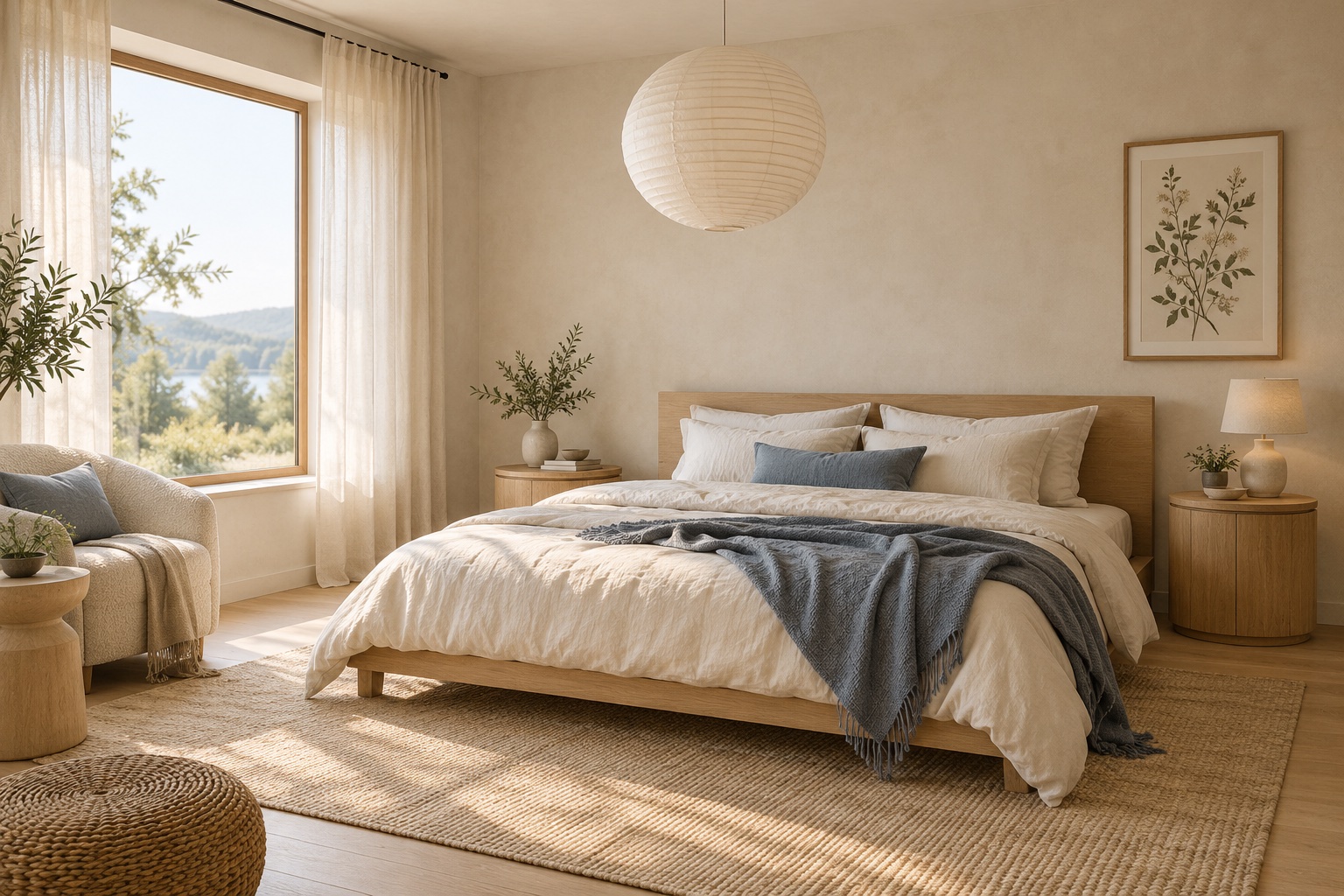
A calm Scandinavian bedroom

Bedroom · Scandinavian

A calm Scandinavian bedroom

Illustrative design inspiration

How to try AI room design free

  1. 01

    Start with your space

    Create an account to receive 4 free credits. Open Room Design, choose a room type, then upload a clear photo or describe the space you imagine.

  2. 02

    Make it your own

    Choose a style and flooring. Add your furniture, color and lighting preferences; kitchen designs also include cabinet and countertop choices.

  3. 03

    Generate and compare

    Use your credits to create concepts. Compare before and after, view your history and download the result.

A free trial you can actually explore

Your first design does not have to start with a purchase. New accounts receive four welcome credits, valid for 31 days, to try the room generator. A Basic / Low image uses one credit, while a High image uses four. That gives you a choice: explore up to four Basic ideas, or use your welcome balance for one High concept. Choose the image count before generating so you can see the total credit cost.

To make the most of the free trial, begin with one clear question. Would lighter cabinets suit your room? Does a wood countertop feel warmer than stone? Keep the same photo and change one option at a time. Comparing specific alternatives makes it easier to identify what you like than changing every setting between generations. You can browse your design history and download a result to discuss with someone else.

The trial is for visual exploration, rather than unlimited generation. Once your welcome credits are used or expire, decide whether to buy a one-time credit pack or a subscription. The room tool supports living rooms, bedrooms, bathrooms and kitchens. Choose the right room type and use the description to explain which furniture, finishes or lighting you want to change. The dedicated kitchen page remains available for a focused kitchen workflow.

Compare credit packs and subscriptions

Compare styles before choosing your direction

Style names are a starting point, not a complete brief. Compare the colors, shapes and textures you enjoy, then use your own kitchen photo to see how that direction might translate into your space.

Modern or minimalist?

Modern kitchens often combine clean cabinetry with contrasting materials and a few statement details. Minimalist kitchens lean toward a quieter palette, fewer visible objects and simpler surfaces. Try the same layout in each style and compare whether you prefer a distinctive focal point or a more restrained look. Neither direction requires every finish to be white.

Scandinavian or Japandi?

Both approaches can feel calm and welcoming. Scandinavian ideas often emphasize light tones, natural wood and practical simplicity. Japandi brings that simplicity together with earthy colors, tactile surfaces and understated details. Compare pale oak with deeper wood, or crisp white finishes with softer beige tones, while keeping the rest of your choices consistent.

Farmhouse or contemporary?

Farmhouse kitchens often feature familiar textures, framed cabinets and warmer accents. Contemporary designs can feel more streamlined, with flat fronts, bolder contrasts or a simpler material mix. A sage cabinet finish can work in either direction. Use the countertop and backsplash choices to test whether you want a softer country character or a cleaner modern combination.

AI room design & free trial questions

What is AI room design?

AI room design uses image generation to explore how a space might look with different styles, colors and finishes. Browse ideas for your home here, then use our room design tool to create visual concepts from a photo or text.

How does AI home design help with renovation ideas?

AI home design helps you explore a visual direction, including colors, finishes and style combinations, before making changes. Our gallery includes kitchens, a living room and a bedroom for inspiration; the generator supports living rooms, bedrooms, bathrooms and kitchens. The images are ideas, not measured plans.

Which rooms can I design here?

The room tool generates living room, bedroom, bathroom and kitchen concepts from a photo or text description. Choose the room type before submitting. The dedicated kitchen page also offers a focused kitchen workflow.

Can I try AI room design free?

Yes. New accounts receive 4 free credits, valid for 31 days, to try our room design tool without a payment. Basic / Low costs 1 credit per image and High costs 4. You can create up to 4 Basic concepts or 1 High concept. More generations require a credit pack or subscription.

Do I need to upload a photo?

You can upload a room photo or use From description to generate a room concept from your written ideas.

Can I use a design for renovation?

Use it to explore and discuss a visual direction. AI can change dimensions and details; verify measurements, safety and specifications with qualified professionals before building.

What kind of photo gives the most useful starting point?

Use a clear, well-lit kitchen photo that shows the cabinets, floor and main layout together. Avoid heavy filters, extreme angles or objects blocking the surfaces you want to redesign. A photo gives the model a visual reference, but it does not guarantee exact dimensions or perfect preservation of every detail. Compare the output carefully with your original.

What should I include in a text description?

Describe the kitchen layout, the mood you want and two or three details that matter most. For example: a small L-shaped kitchen with warm oak cabinets, a pale stone countertop and soft daylight. Use the style and material options for the main choices, then add details such as lighting or flooring in your description. Clear preferences are more useful than a long list of unrelated ideas.

Try AI room design free. Find your next look.

Start your AI home design journey with 4 free signup credits. Create living room, bedroom, bathroom or kitchen concepts from a photo or text, compare the result and download your favorite.

Claim 4 free credits