Photo-guided concepts
Your kitchen photo gives the image model a visual starting point.
 Room Design AI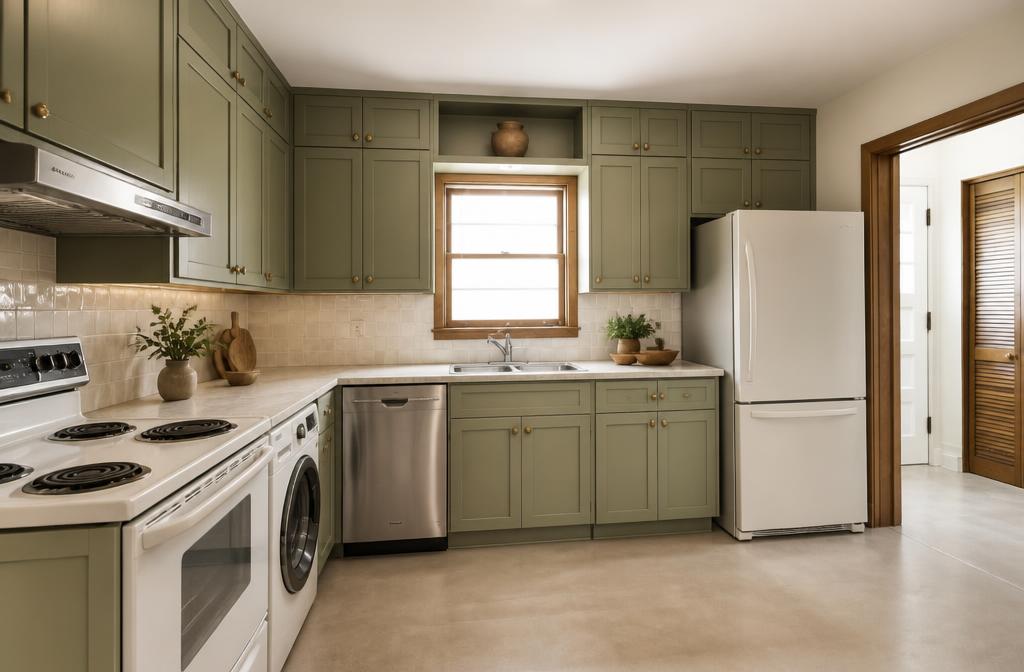
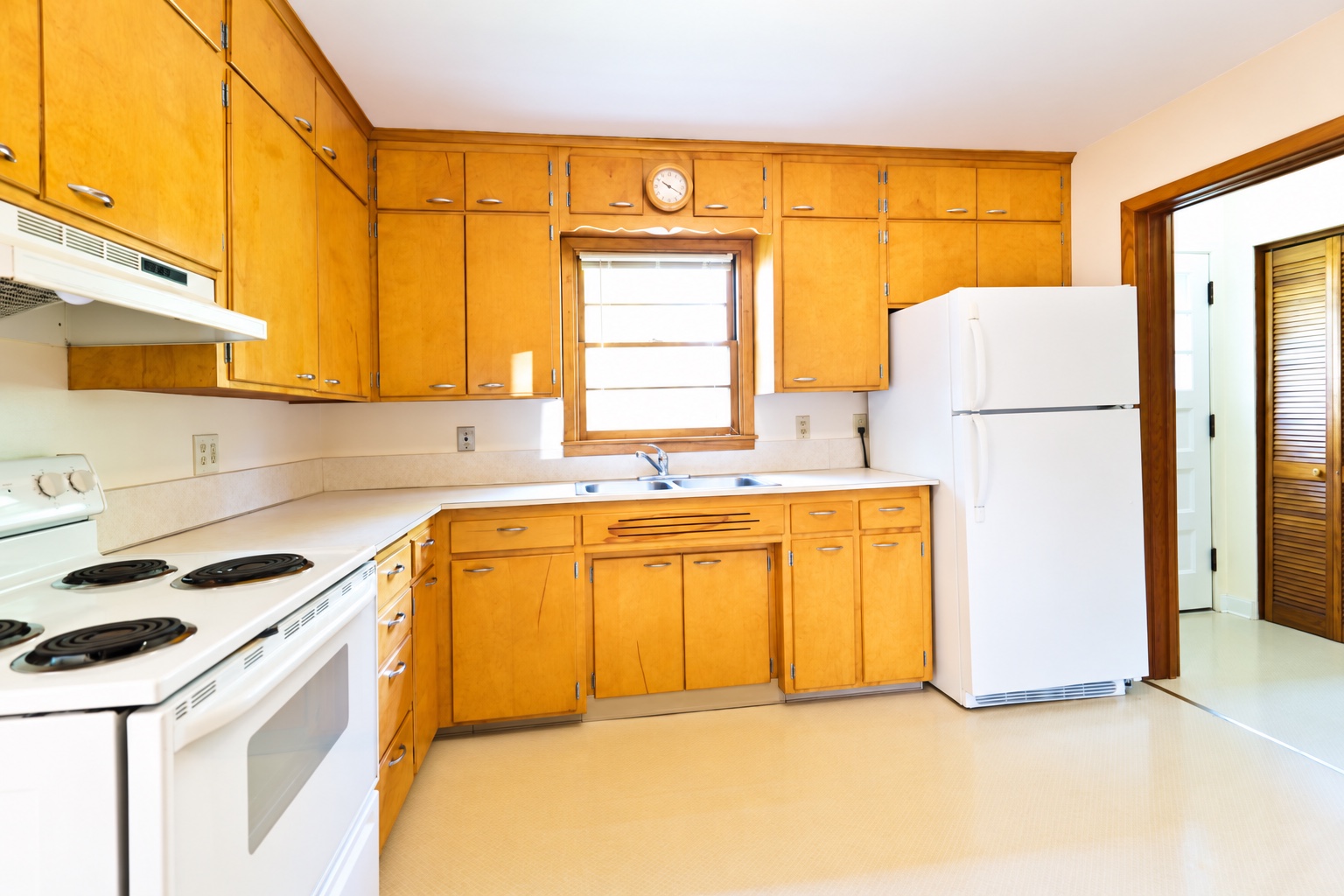 BeforeAfter
Illustrative example · drag to compare
Room Design AI
AI kitchen design from photo
Upload a photo to explore new cabinets, countertops, colors and finishes in your own kitchen. Prefer starting from scratch? Describe your ideal room instead. Sign up for 4 free credits, then compare and download your kitchen design concepts.
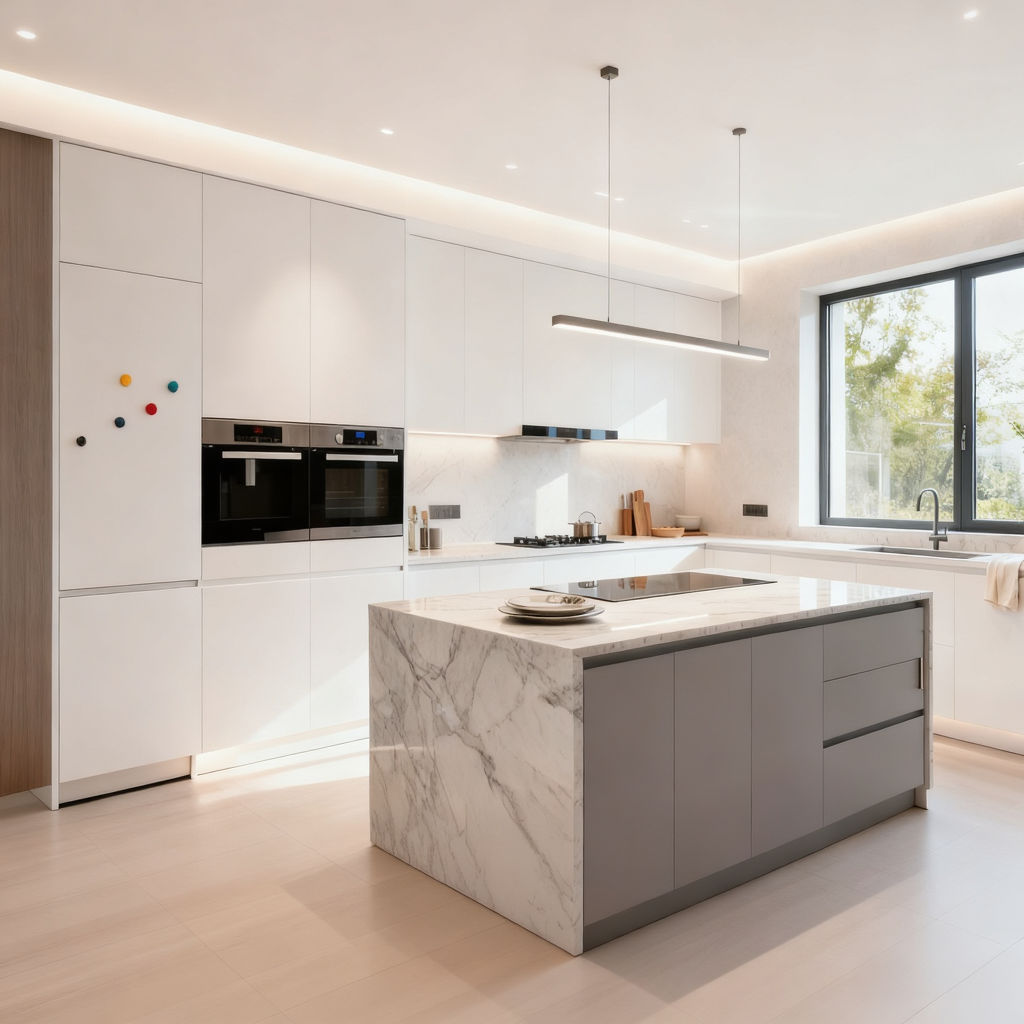
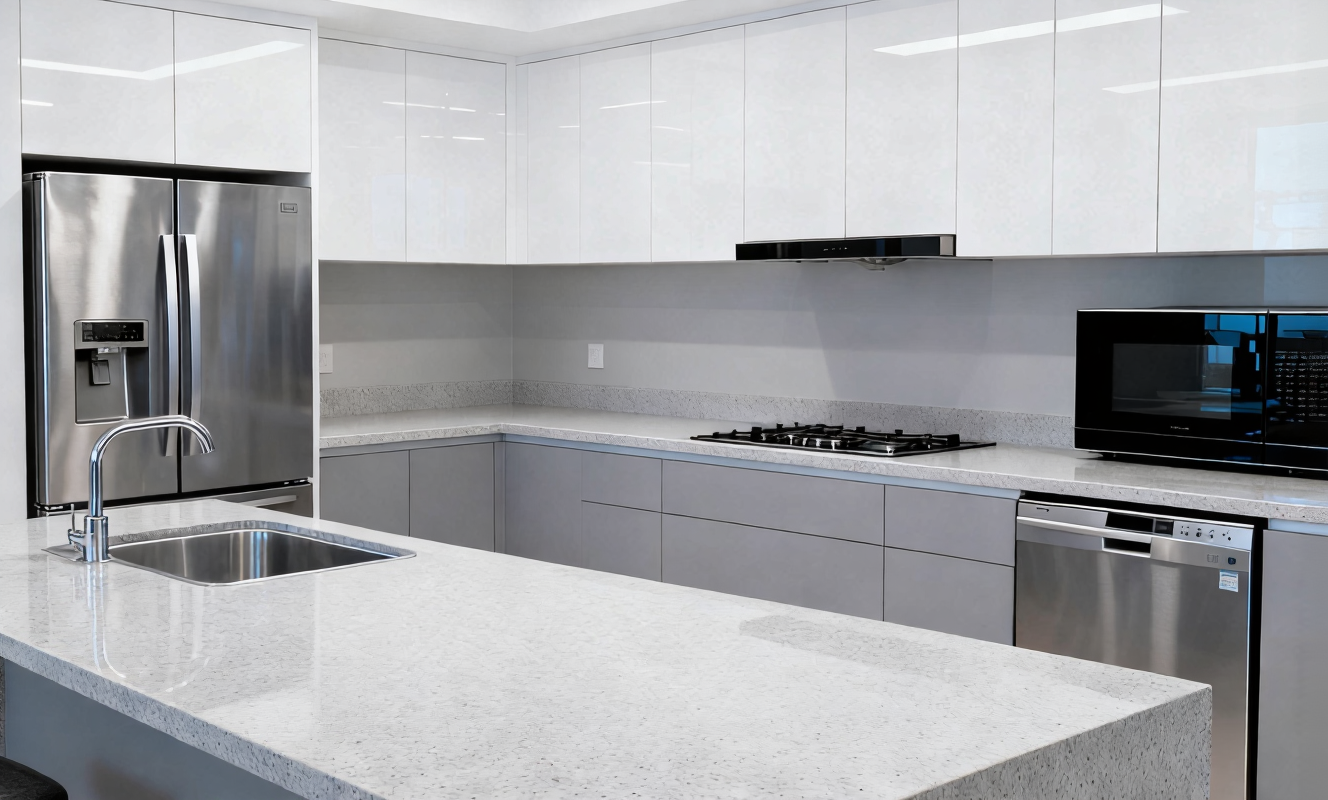
Make it yours
Explore a different direction using your own kitchen photo as the starting point. From clean modern lines to warmer, natural finishes, see ideas in a familiar space.
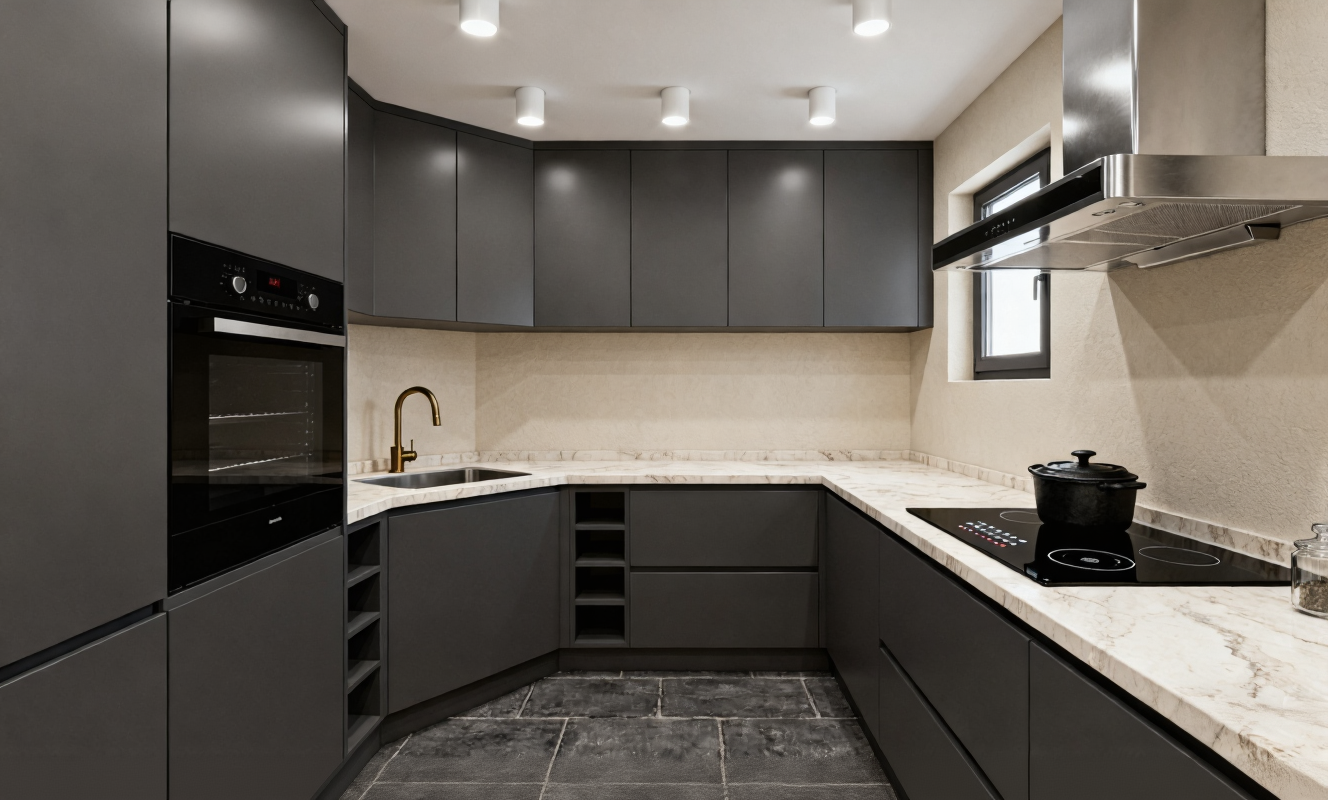
Consider the details
A cabinet finish can look very different beside a new countertop. Explore their combination in one image to help narrow down the look you love.
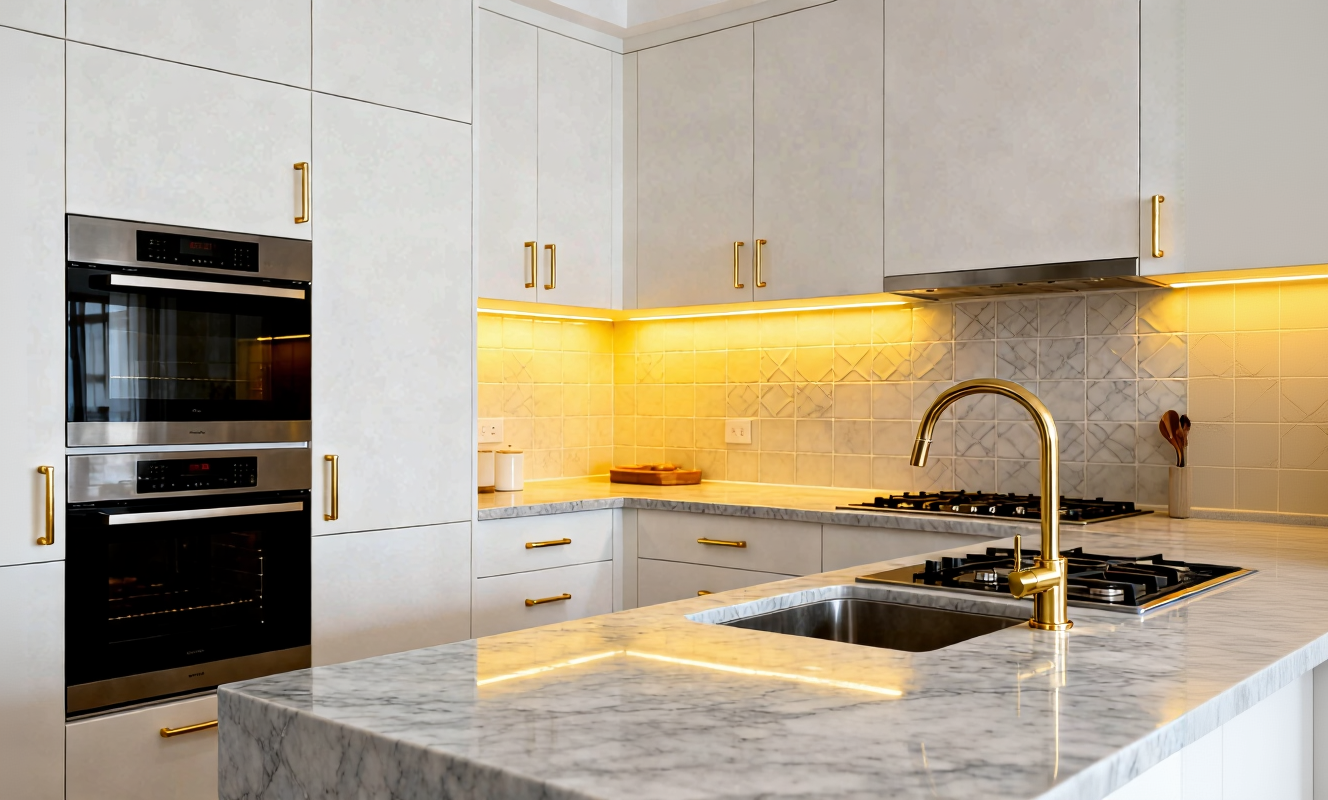
Explore the possibilities
Compare the generated concept with your original photo. Keep the ideas that resonate and try another combination as your vision takes shape.
Explore the visual details of a kitchen redesign, all from a photo of your space.
Your kitchen photo gives the image model a visual starting point.
Explore modern, Scandinavian, Japandi, and farmhouse directions.
Try a different color or material to set the tone of your kitchen.
See how a countertop direction complements your cabinets.
Describe finishes and details together in a single visual concept.
Save your generated image to discuss ideas with someone else.
Upload your kitchen photo, choose your style, and generate a new concept. New users receive 4 credits after signing up; no payment is required to use those credits.
Choose a clear JPG, PNG, or WebP photo of your kitchen, up to 10 MB.
Select a style, cabinet finish, and countertop. Add details that matter to you.
Sign in, generate your concept, compare it with the original, and download the result.
These illustrative kitchen examples are visual references, not results generated by this studio. Choose your own style and materials in the studio.
Learn how photo redesigns, free credits and image quality work.
Yes. New users receive 4 free credits after signing up, valid for 31 days. Basic / Low designs cost 1 credit per image, so you can generate up to 4 Basic images. High quality costs 4 credits per image. More designs require a credit pack or subscription.
Create an account to claim your welcome credits, upload a clear kitchen photo, and choose a design style and finishes. Generate a concept, drag the before-and-after comparison, and download your result. The free allowance is limited to your welcome credits.
Yes. Switch to From description and describe the kitchen layout, cabinets, countertop, lighting and style you want. Text-based designs use the same credit rates as photo-based designs.
Use a JPG, PNG, or WebP image up to 10 MB. A clear, well-lit photo that shows the kitchen gives the model more useful visual context.
The studio requests OpenAI GPT Image2 through fal’s image editing API. Your uploaded photo and design choices guide the generated concept.
Yes. Sign in before uploading a photo or generating a kitchen concept. New accounts receive 4 welcome credits, valid for 31 days. Existing accounts do not receive another bonus when signing in.
The prompt asks the model to retain the main room structure and perspective. AI may still change proportions, fixtures, or other details, so layout preservation is not guaranteed.
The output is a visual concept for exploring design ideas. It does not provide measurements, architectural drawings, building approvals, or construction specifications.
When you click Generate, your photo is sent to fal to produce the concept. The app currently does not save the original photo on its server. fal’s retention and privacy policies apply.
Successful designs are saved to your account and can be viewed in Design history. Download images you want to keep long term.
Yes. Once generation succeeds, use the download action to save your concept and share it when discussing your kitchen ideas.
Get 4 welcome credits when you sign up. Generate up to 4 Basic kitchen concepts or 1 High quality concept, then buy more credits whenever you need them.
Start your kitchen design