Living rooms
Explore seating, rugs, wall colors and lighting that feel cohesive.
 Room Design AI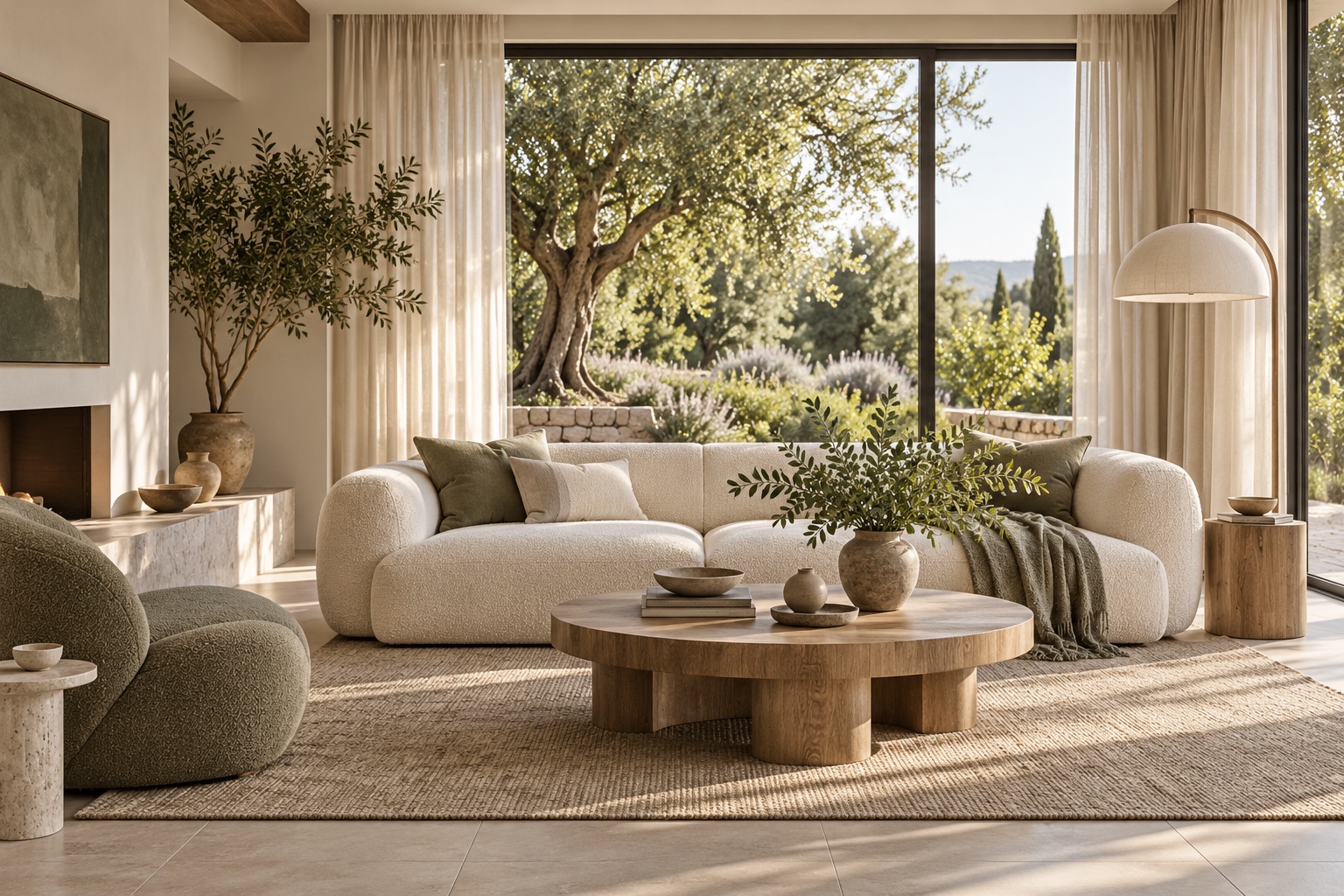
AI-generated room inspiration · not your generated result
Room Design AI
Create visual concepts for your living room, bedroom, bathroom or kitchen. Upload a clear photo to restyle an existing space, or start with a description when you want to explore a new idea. Choose from 16 styles and use the same credit balance across both room and kitchen tools.
Explore seating, rugs, wall colors and lighting that feel cohesive.
Try bed styling, textiles, wood tones and a calmer palette.
Visualize tile, vanity, fixtures and lighting combinations.
Use cabinet, countertop, backsplash and flooring options together.
Basic / Low costs 1 credit per image; High costs 4. Generate 1–4 images per request. New accounts receive 4 credits valid for 31 days. The total cost is shown before submission.
Enable Keep my existing layout to ask the model to preserve the room footprint and arrangement. AI can still change details or proportions, so compare the result with your original photo.
Open Design history to see completed room and kitchen results for your account. Download a design or select it to preview. A failed generation restores the reserved credits.
These are visual concepts, not measured drawings. Check dimensions, electrical work, plumbing, ventilation and material specifications with qualified professionals before renovating.